1
Choose your country
Select the country you are shopping in to show the local currency, tax terminology and practical country guidance.
A quick guide to choosing a country, selecting a tax rate and checking prices with or without tax.
Select the country you are shopping in to show the local currency, tax terminology and practical country guidance.
Choose one of the common rates shown for that country, or use the + button to enter a custom percentage.
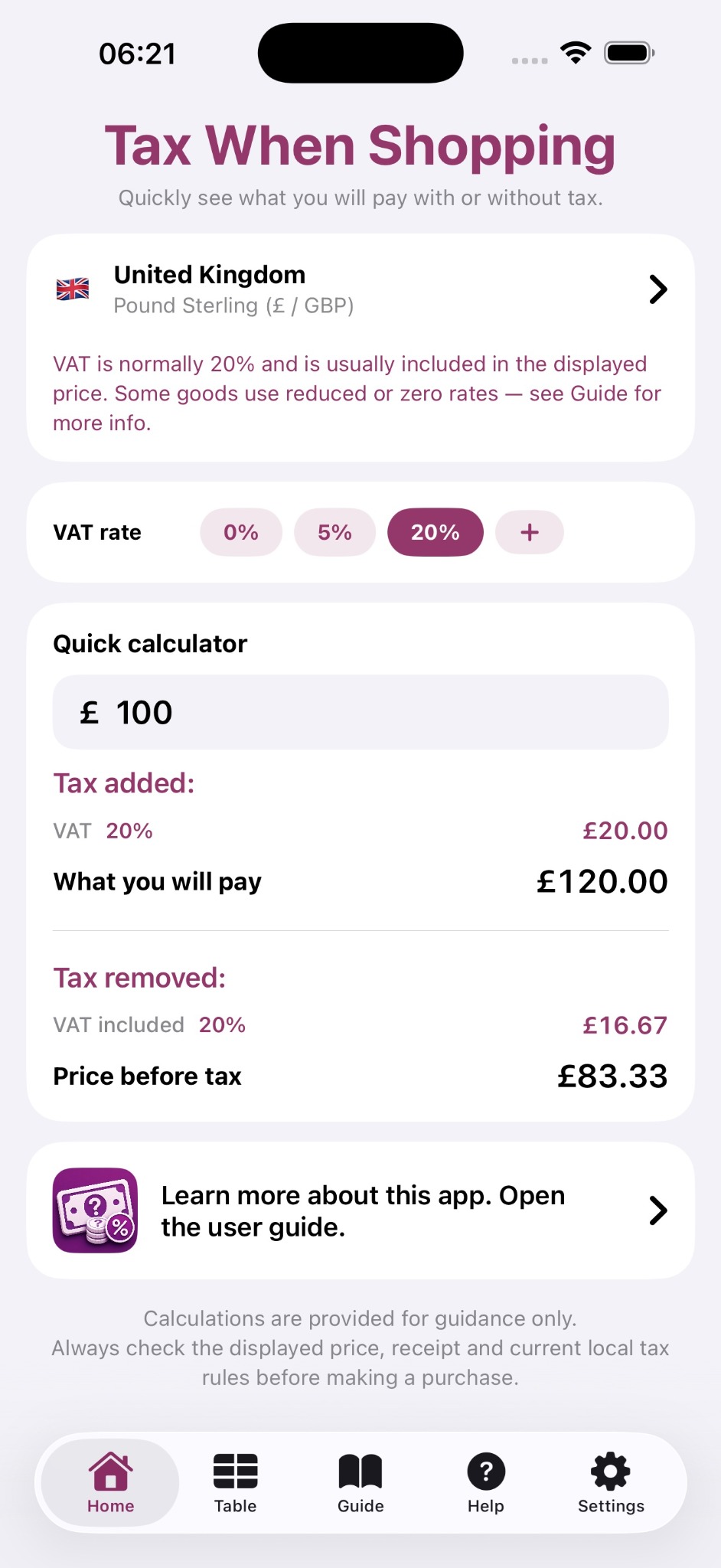
The quick calculator shows both results at once: tax added and what you will pay, plus tax removed and the estimated price before tax.
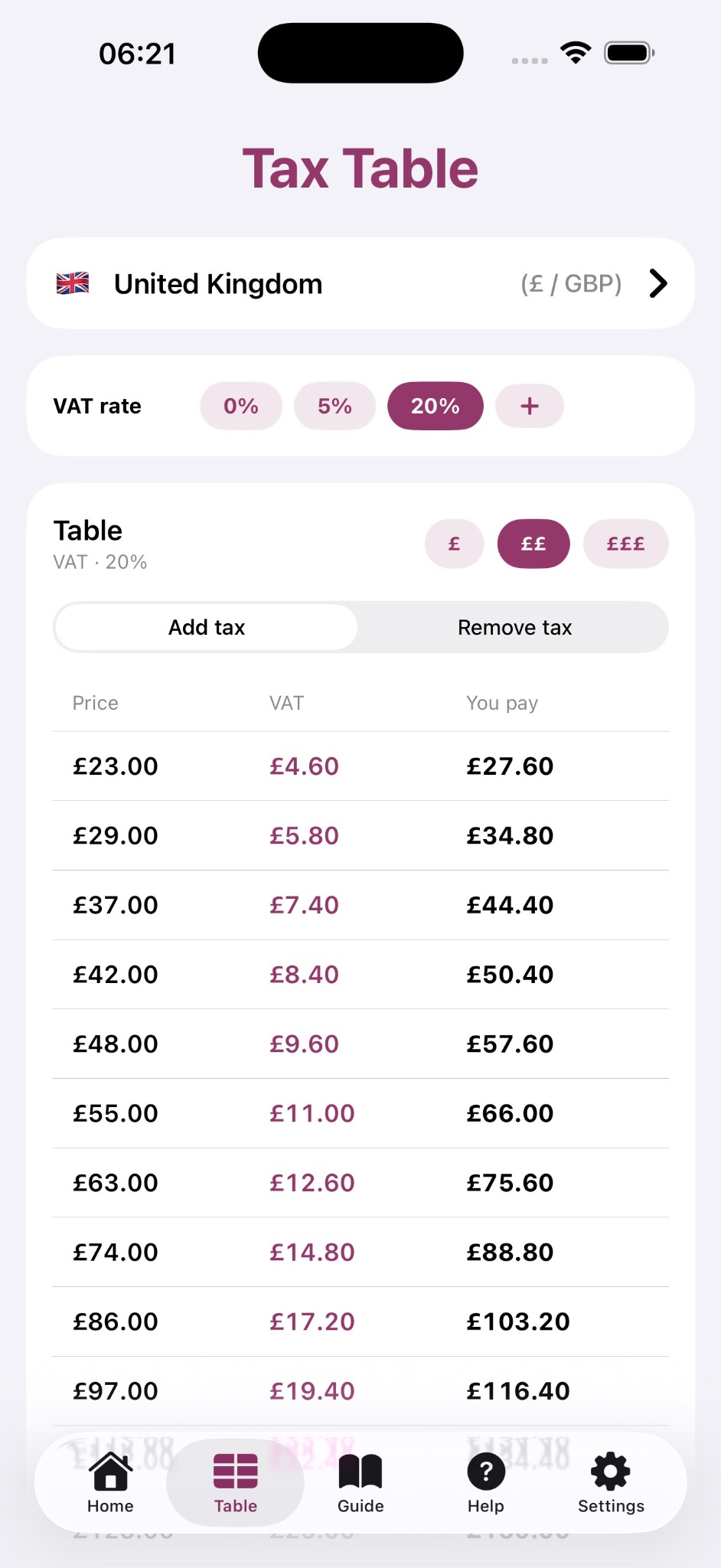
Switch between Add tax and Remove tax to scan a range of common prices. Use the £, ££ and £££ buttons to change the price range.
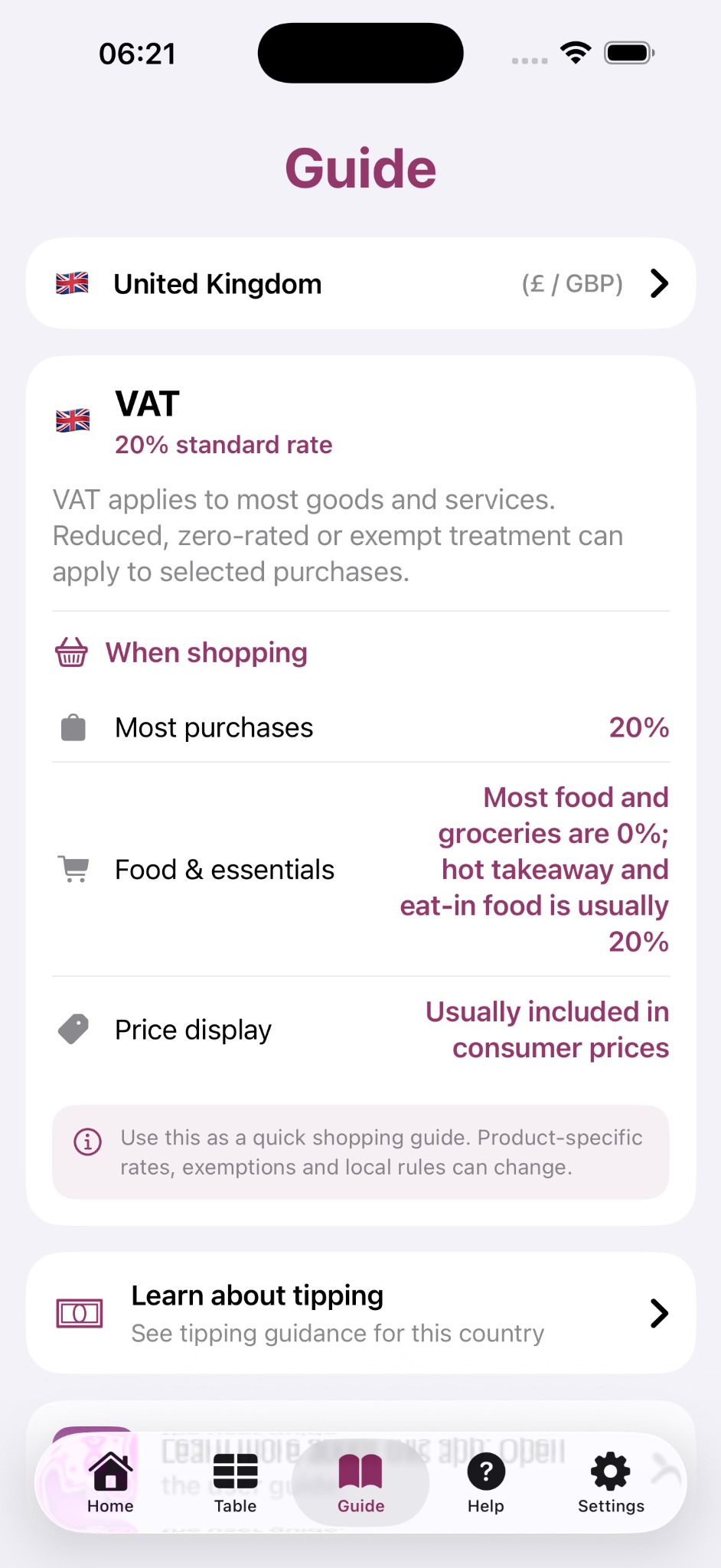
Use the Guide for plain-language information about the local tax system, typical shopping rates and whether tax is normally included in displayed consumer prices.
Tax rates can vary by product, service, region or local authority. Some purchases may be reduced-rated, zero-rated, exempt or subject to special rules.
Use Tax When Shopping as a quick shopping guide and calculator, then check the displayed price, receipt and current local rules before making a purchase.